

Architecture
Catalogue vs MCP gateway: choosing the right layer
Proxies sit in the runtime path. Catalogues document and govern what exists. Most organisations need the second before the first.
WHY JOYST
See every connected MCP, the tools it exposes, and the skills and prompts written to use them well — in one organisation-scoped catalogue.
Groups, permissions, draft/publish workflows, and audit logs keep sensitive tools and content with the right people — not the whole company by default.
Author skills once and translate them for the platforms your teams use. Joyst is the source of truth; agents still connect to MCPs directly.
PRODUCT SURFACES
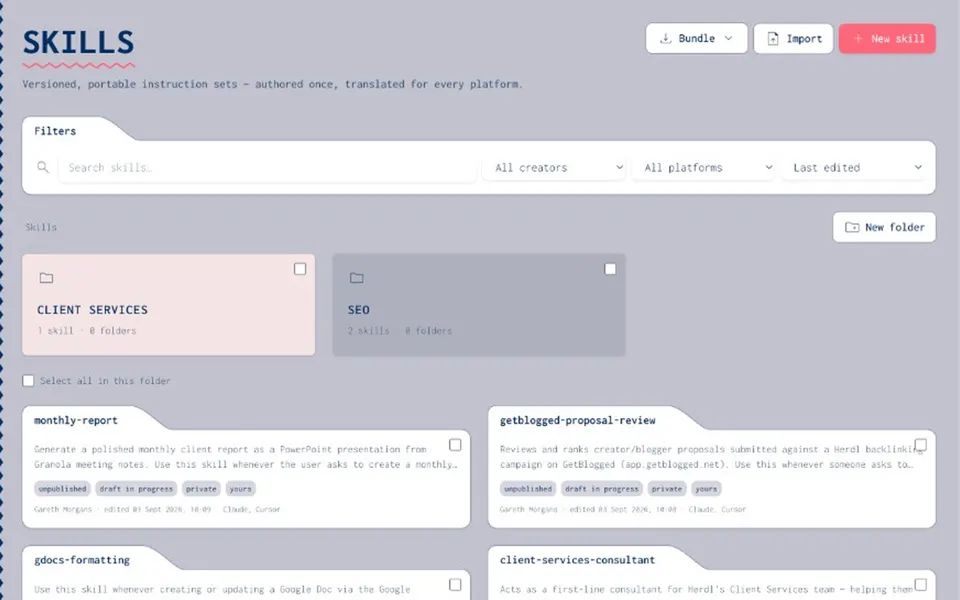
Catalogue
Versioned, portable guidance with draft and publish states, folders, tags, and platform translations — so an untested change never reaches everyone by accident.
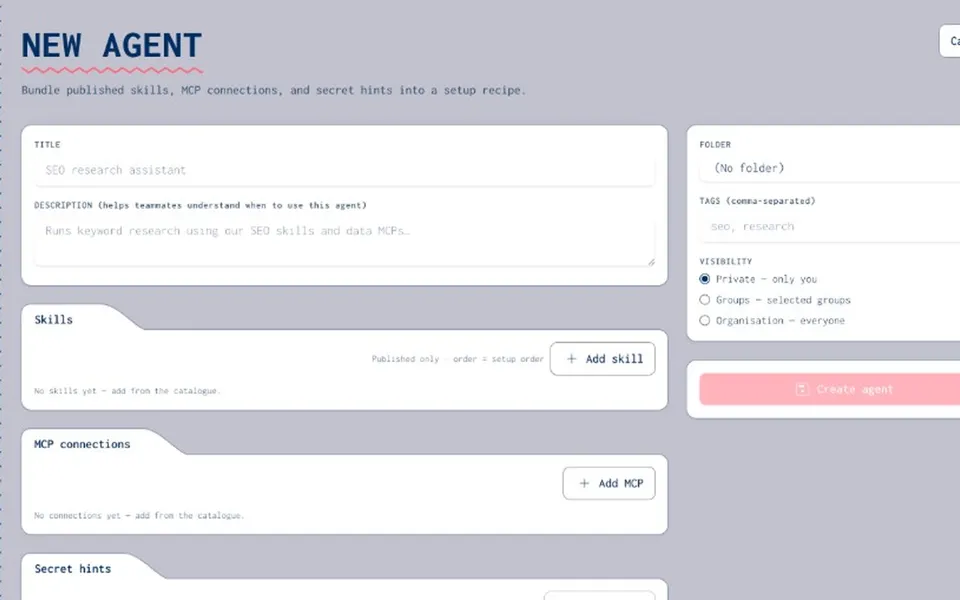
Recipes
Compose published skills, catalogue MCP endpoints, and secret name hints into setup recipes agents can follow in the host client — without Joyst sitting in the live tool path.
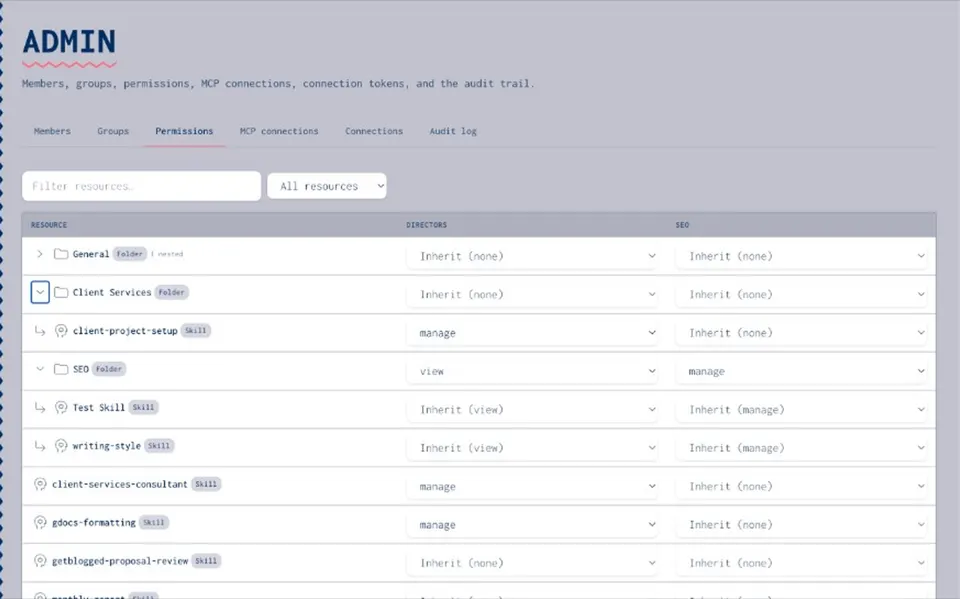
Vault
Encrypted vault entries, private by default, with optional organisation share. Agents use secrets via controlled substitution — keys stay out of the model context.
THE CATALOGUE
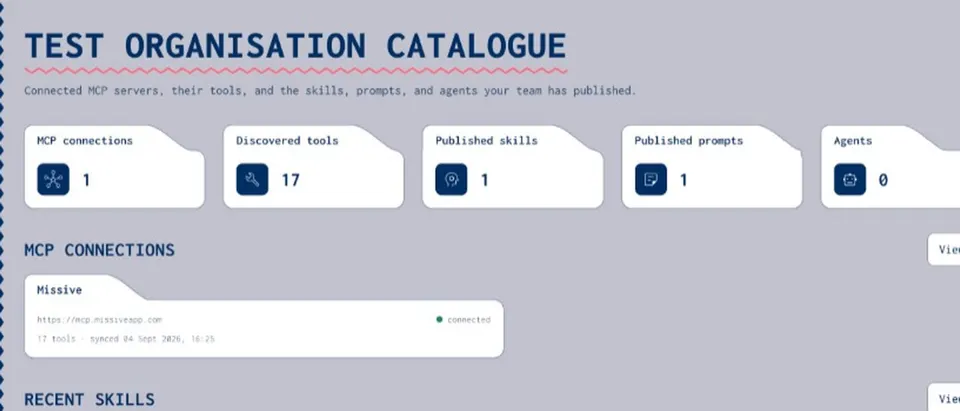
Versioned, portable guidance with draft and publish states, folders, tags, and platform translations — so an untested change never reaches everyone by accident.
A parallel catalogue for reusable prompts: visibility, version history, and copy-to-clipboard — without locking you to a single vendor’s prompt store.
Compose published skills, catalogue MCP endpoints, and secret name hints into setup recipes agents can follow in the host client.
Connect MCP servers, introspect tools automatically, annotate how they work in practice, and keep the inventory current with scheduled sync.
Encrypted vault entries, private by default, with optional org share. Agents use secrets via controlled substitution — keys stay out of the model context.
HOW IT WORKS
Add MCP servers for your organisation. Joyst discovers tools and stores credentials encrypted at rest.
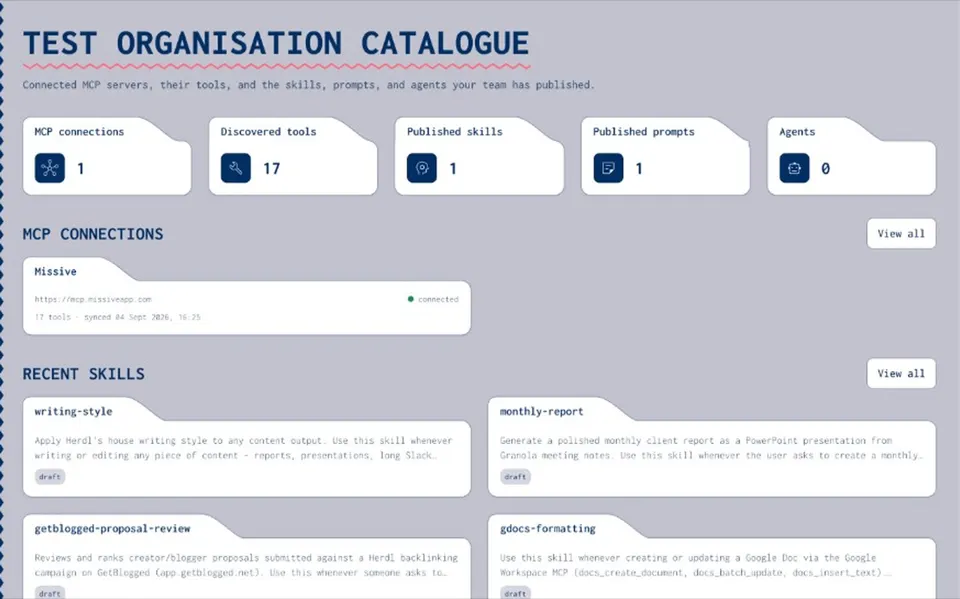
Annotate tools, organise folders, and import existing skills so tribal knowledge becomes shared inventory.
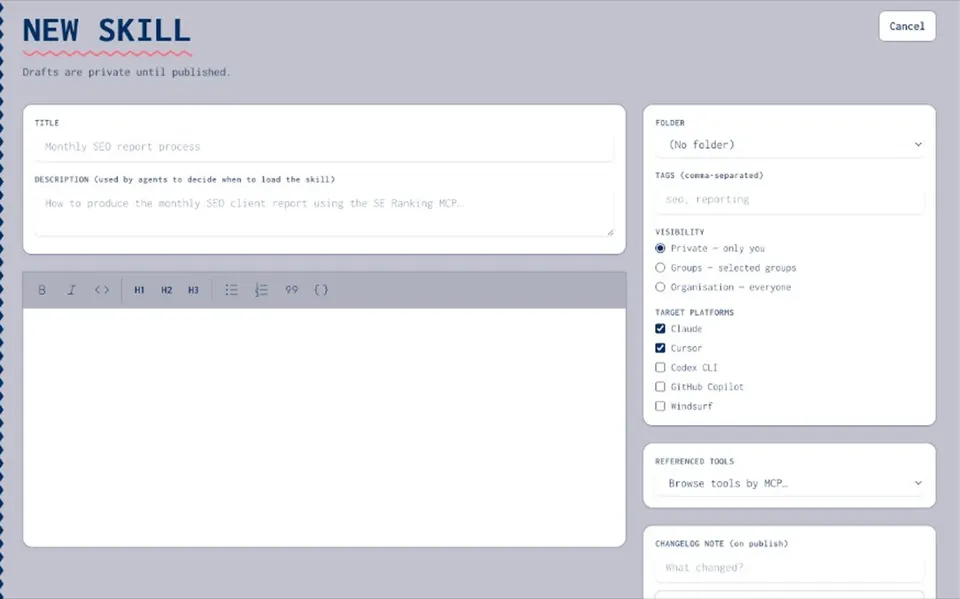
Draft safely, review, then publish. Roll back when needed. Permissions decide who can view, use, or manage.
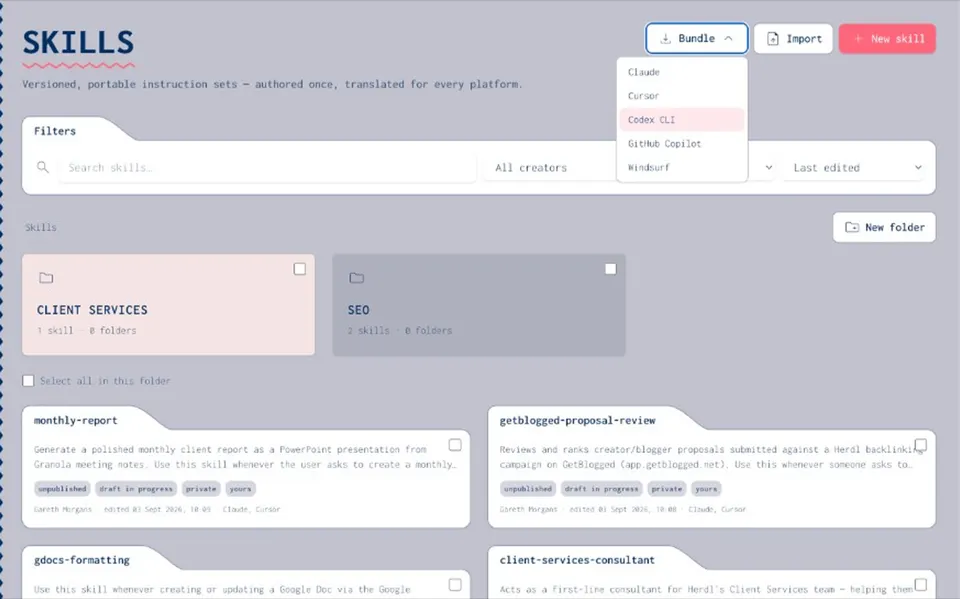
Point Claude, Cursor, Grok, and others at Joyst’s skills MCP — or download translations — while live tool calls stay out of band.
WHAT YOU GET
No. Joyst catalogues and governs what exists. Agents still connect to third-party MCPs directly. The exception is a controlled secrets helper that can substitute a vault value server-side so keys never enter the model context.
Organisations where AI usage is fragmented across people and platforms — agencies, product teams, and operators who need a shared inventory of skills, prompts, agents, MCPs, and secrets with real access control.
The product lives at dash.joyst.app. This site (www.joyst.app) is the marketing and content home. Use Sign up (accounts.joyst.app) or Log in in the header to open the app.
Yes. Published skills can be translated for target platforms and pulled via Joyst’s hosted skills MCP, so you are not locked into one vendor’s skill format.
Organisations map to tenants. Groups receive permissions on resources (view / use & annotate / manage). Skills, prompts, and agents also carry private, group, or organisation visibility.
Proxies sit in the runtime path. Catalogues document and govern what exists. Most organisations need the second before the first.
Draft/publish, groups, and private-by-default secrets let specialists move fast while organisations keep control.
Skills and MCP access accumulate in personal tools. Without a catalogue, the organisation cannot see what it already knows how to do.