

WHERE-IS
Where is the agent library?
Agent packages live under the Agents surface in Joyst. This guide shows where to look, what you will see, and how to open a package — without inventing click paths.
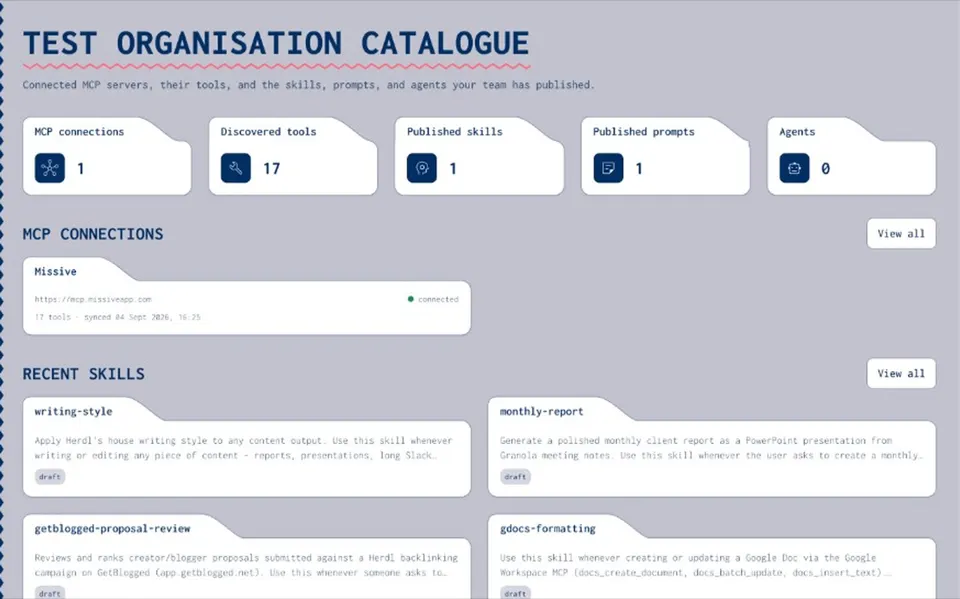
LOCATION
Where agent packages live
- Under Agents
Agent packages live under the Agents surface in the product.
- Org catalogue
Packages sit in your organisation catalogue — the private team library, not a marketplace.
- Findability first
This page answers where to look. Value and packaging live on the Agents pillar and the create how-to.
CATALOGUE
What you will see
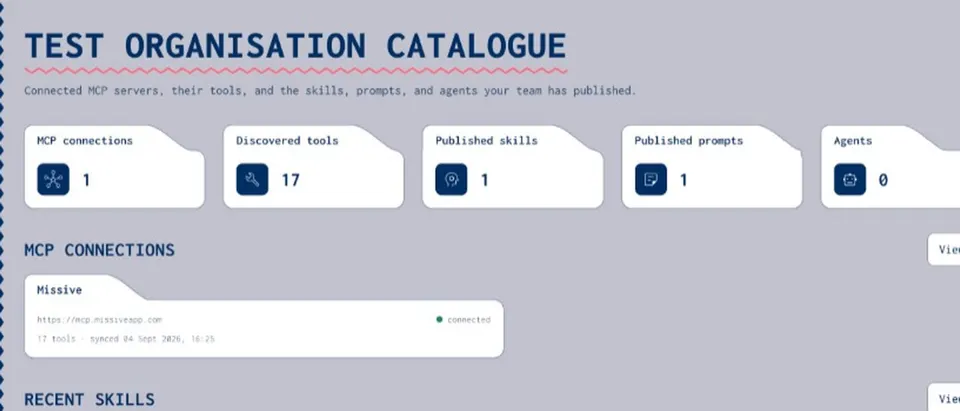
- The Agents surface
Open Agents and you reach the place where agent packages are listed for your organisation.
- Package catalogue
You will see the packages available to you — recipes that bundle skills, MCP endpoints, prompts, and secret name hints.
- High-level only
Exact panels and filters can differ by release. Treat this as findability context, not a pixel walkthrough.
OPEN
How to open a package
- Locate Agents
Find the Agents surface in the product once you are signed in.
- See packages
Browse the packages listed for your organisation.
- Open a package
Open the package you need to review ingredients or continue into create and share flows.
NEXT STEPS
Create or share next
- Create an agent package
Compose, save, and share a reusable agent recipe — the how-to after you find the library.
Create an agent package - Agents pillar
Why teams keep a private agent library — packaging value, not orchestration.
Agents - Resources hub
All how-to and where-is guides for the private catalogue.
Resources - Get started
First-run orientation if you are still setting up the workspace.
Get started - Sharing and permissions
Private, group, and org tiers when you are ready to share a package.
Sharing guide - What is Joyst?
Short definition of the private team catalogue — if you need orientation first.
What is Joyst
Agent library FAQ
Under the Agents surface in the product. That is the organisation catalogue for agent packages — not a public marketplace.
UI labels may vary by release. This guide stays high-level: locate Agents, see packages, open a package. It does not invent Settings paths or control names.
Use the create-an-agent-package how-to for compose → save → share. This page only covers findability.
On the Agents pillar. This page answers where to find packages in the product, not the packaging value proposition.
Yes — you need an organisation workspace and catalogue access. See create-your-workspace and get-started if you are still setting up.
Find your agent packages under Agents
Open the Agents surface, browse your catalogue, and open a package — then create or share when you are ready.
- Packages live under Agents
- Private org catalogue
- Create and share on dedicated how-tos