

HOW-TO
Create an agent package
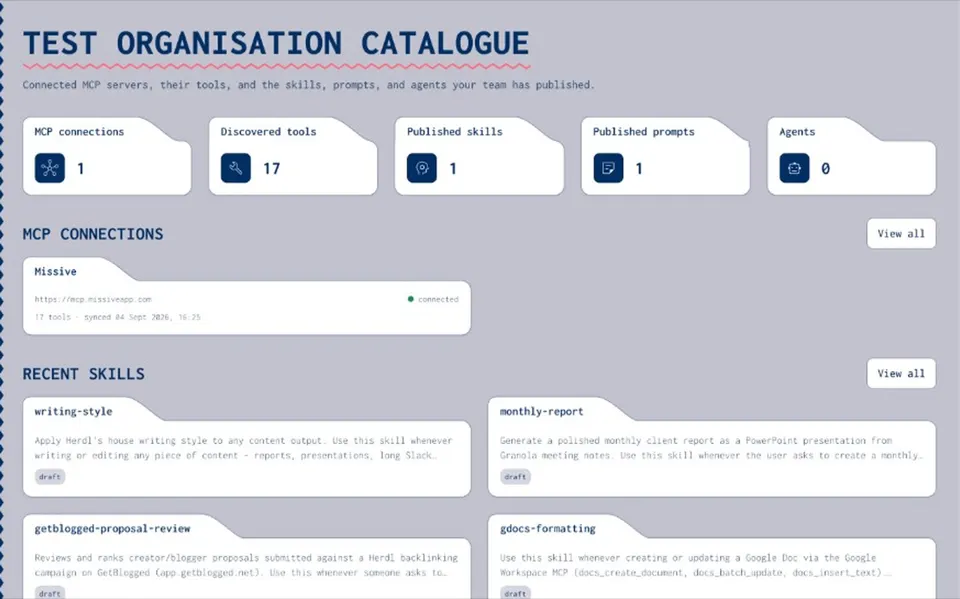
Bundle published skills, catalogue MCP endpoints, prompts, and secret name hints into one setup recipe your team can reuse. Packaging — not a multi-agent orchestration runtime.
INGREDIENTS
What goes in a package
- Skills
Published skills from the registry.
- MCPs
Catalogue endpoints — never embedded tokens.
- Prompts and secrets
Approved prompts plus secret name hints from the vault.
STEPS
Create an agent package — compose, save, share
- Pick ingredients
Choose published skills, MCP catalogue entries, prompts, and secret names.
- Save package
Store the recipe in the org catalogue with an owner.
- Share
Private, group, or org — with view / use / manage.
- Setup in host
Agents follow the ordered recipe in Claude, Cursor, Grok, and others; live MCP calls stay out of Joyst.
BOUNDARIES
What this is not
- Not orchestration
No LangGraph/Autogen replacement — consistent packaging only.
- Not a marketplace
Private org agent library.
- Not credential stuffing
Secret names, not pasted keys.
- Host-side connect
Third-party MCP OAuth and tool calls happen in the host client.
Resources hub
Resources hubAgents
AgentsSkills how-to
Skills how-toMCP catalog how-to
MCP catalog how-toAdd and use secrets
Add and use secretsPrompts how-to
Prompts how-toAgent packages blog
Agent packages blogControlled substitution
Controlled substitutionAgent package FAQ
Nav path still needs product verification — start from the Agents area in the app once signed in.
Prefer published skills so the team consumes approved builds.
Packaging model is live product truth; screenshot-level UI deferred.