

HOW-TO
Add and use secrets safely
Store credentials in the encrypted vault, permission who can use them, and reference them by name in agents and tool setups — never paste keys into chat.
STEPS
Add and use secrets — permission then reference
- Add secret
Create a vault entry with a clear name and label. Private by default.
- Permission
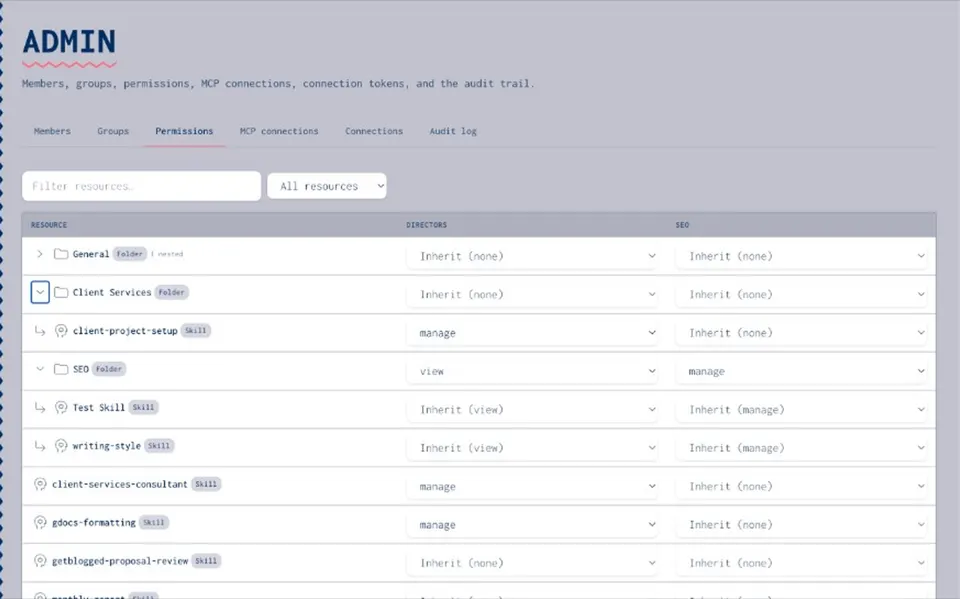
Grant use or manage to the right people and groups.
- Reference
Point agent packages and tool setups at the secret name.
- Substitute
Use controlled substitution at runtime so the raw value stays out of model context.
- Do not
Do not paste keys into prompts, Slack, or agent config files checked into git.
GUARDS
What good practice looks like
- Encrypted at rest
Vault stores values encrypted.
- Least privilege
Use without manage — operators run agents without owning every key.
- Org share optional
Share only when the whole org should use the credential.
- Tied to packages
Agents carry name hints, not embedded secrets.
Resources hub
Resources hubSecrets vault
Secrets vaultStop pasting keys how-to
Stop pasting keys how-toControlled substitution
Controlled substitutionCreate an agent package
Create an agent packageStop pasting blog
Stop pasting blogAgents
AgentsSecrets how-to FAQ
No. Metadata and names you can access — values stay protected.
Keep AWS/HashiCorp for infrastructure. Joyst for AI-runtime credentials in the catalogue.
Vault + reference + substitution model is product truth; confirm exact helper endpoints with your release.