

IN THE PRODUCT
Walk the surfaces that matter day to day
- MCPs & tools
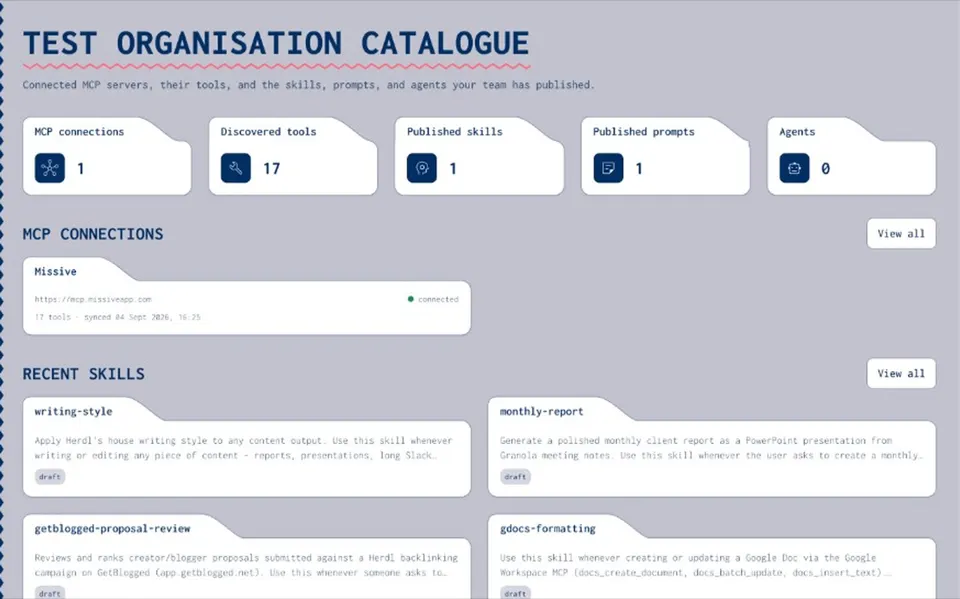
Inventory
MCPs & tools
Connect servers, introspect tools, annotate how they work in practice, and keep the inventory current with scheduled sync — without Joyst proxying live calls.
- Connect
- Introspect
- Annotate
- Skills & prompts
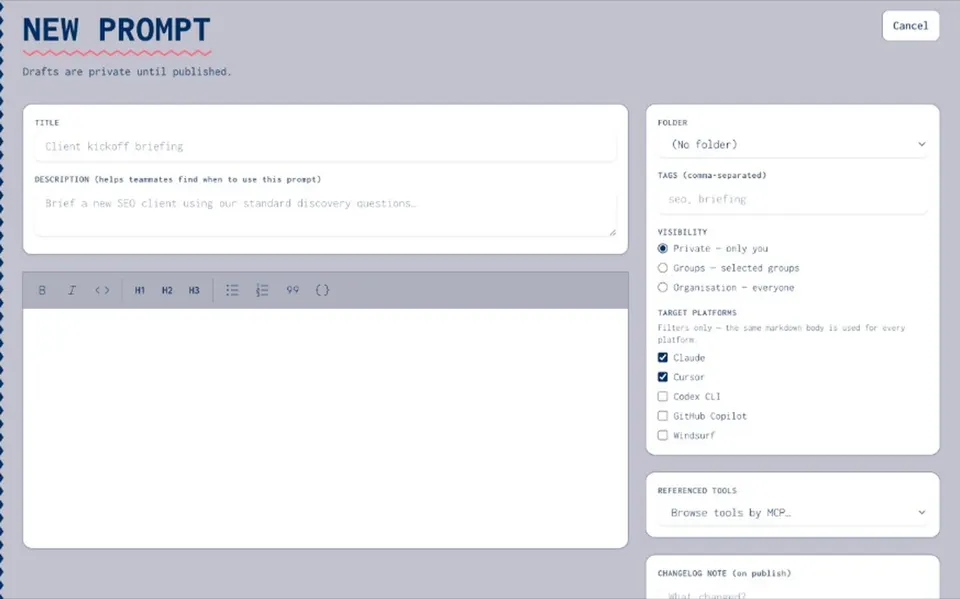
Guidance
Skills & prompts
Draft safely, publish when ready, organise with folders and tags, and translate skills for the platforms your teams already use.
- Draft/publish
- Visibility
- Translations
- Secrets & access
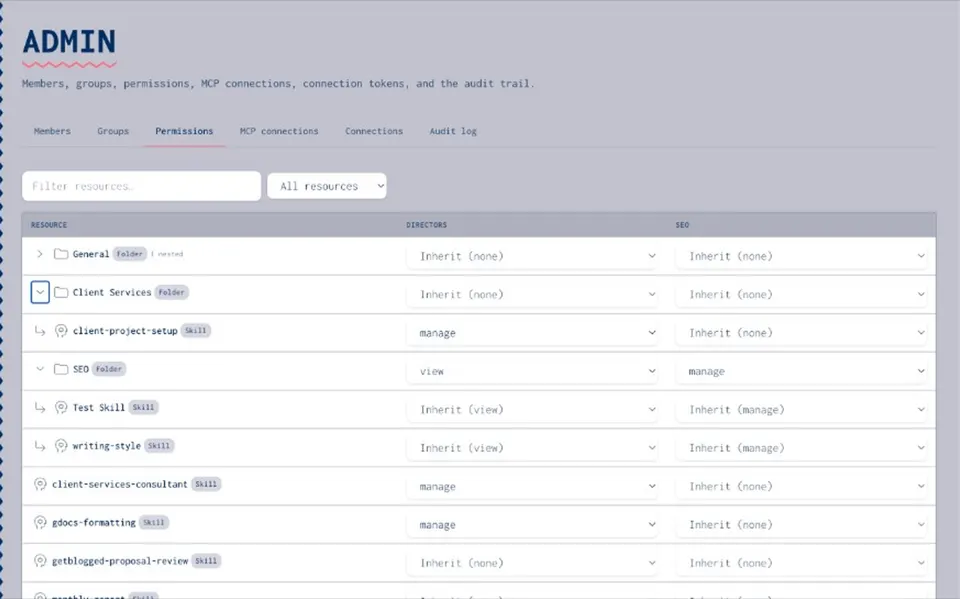
Control
Secrets & access
Encrypted vault entries, group permissions, and an audit trail so specialists move fast while the organisation keeps control.
- Vault
- Permissions
- Audit
MCPS & TOOLS
Inventory what you can actually do
- Connect & introspect
Register MCP servers with static auth or OAuth. Joyst runs tools/list and imports the full tool catalogue with schemas.
- Annotate in plain language
Layer human notes onto tools — when to use them, gotchas, examples — so raw schemas become usable knowledge.
- Stay in sync
Re-sync on demand or on a schedule. Connection health and sync history surface failures instead of hiding them.
SKILLS
Write once, publish safely, stay portable
- Draft / publish / rollback
Editing a published skill creates a new draft. Nothing reaches users until you publish. History is never rewritten.
- Folders, tags, visibility
Organise by department or client. Private, group, or organisation visibility sits on top of group permissions.
- Platform translations
Generate platform-specific skill formats on publish so teams are not locked to a single agent vendor.
PROMPTS & AGENTS
Reuse prompts and compose agent recipes
- Prompt catalogue
Versioned markdown prompts with folders and tags. Copy to clipboard when you need them — no download ritual.
- Agent compositions
Bundle published skills, catalogue MCP endpoints (never credentials), and secret name hints into a setup recipe.
- Host-side setup
Agents pull an ordered recipe from Joyst; they connect third-party MCPs themselves. Joyst stays out of the live path.
SECRETS & ACCESS
Govern keys and who sees what
- Encrypted secrets vault
API keys encrypted at rest, private by default, with optional organisation share and clear warnings.
- Groups & permissions
Grant None / View / Use & Annotate / Manage to groups on MCPs, skills, prompts, agents, and folders — with inheritance.
- Audit trail
Mutating actions write audit entries so you can see who connected, published, or changed what.
HOSTED SKILLS MCP
Connect agents to Joyst itself
- Streamable HTTP MCP for skills and agent setup recipes
- Works with Claude Code, Cursor, Claude.ai, Grok, and similar clients
- Scoped API tokens and OAuth for hosted connectors
- Optional update checks so agents stay aligned with published skills
- Never a proxy for ClickUp, Missive, or other catalogue MCPs